Photographers & studios
Should guest photos be part of your wedding package?
A practical guide for wedding studios deciding whether to offer guest photo sharing, with clear scope, handoff checks, and a one-event trial.
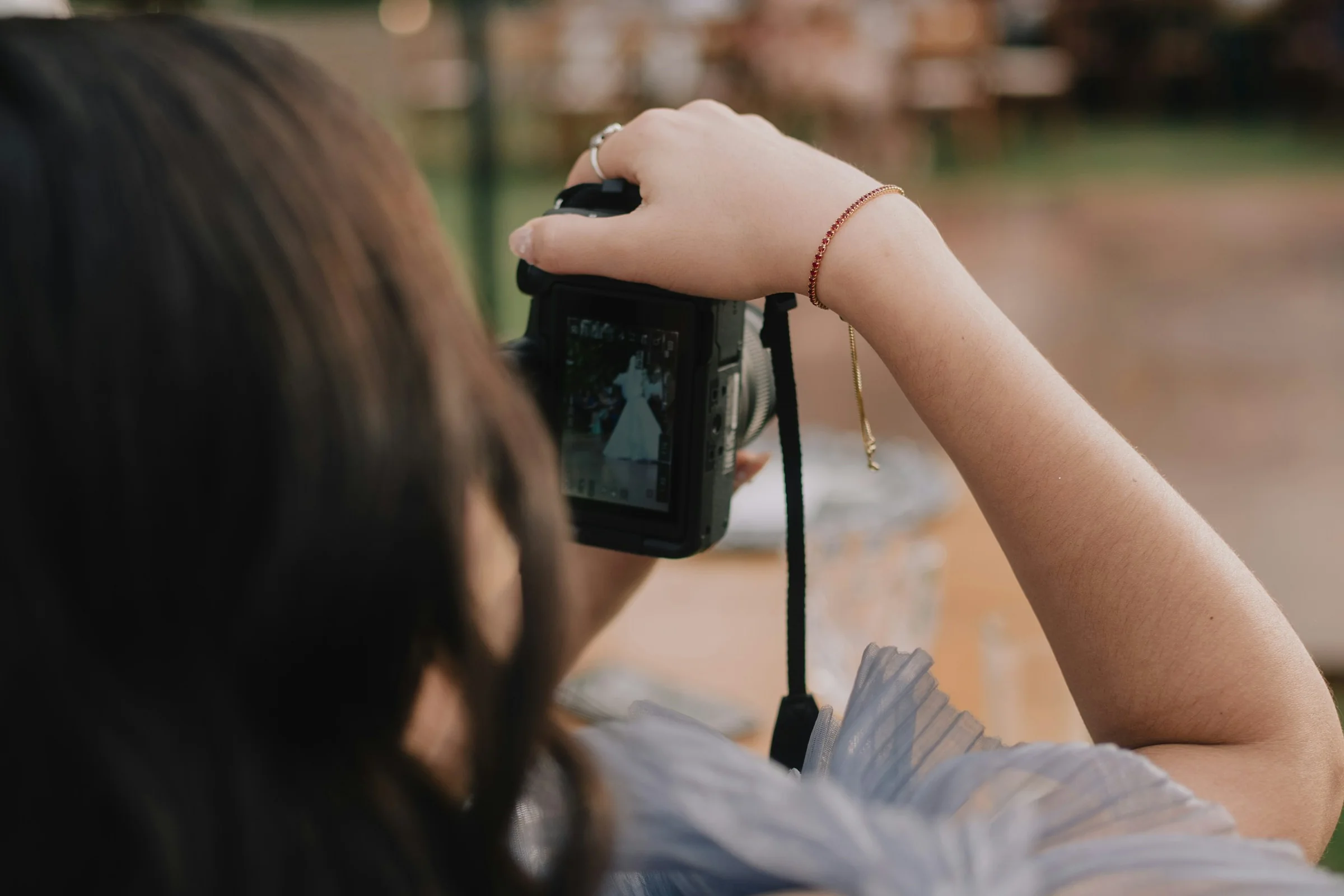
Your couple will see the wedding through your photographs. Their guests will see it from different seats. A sister catches a quiet moment before the ceremony. A friend records the whole table singing along. Someone takes a photo of the grandparents laughing together.
Those pictures can be worth keeping. That does not mean your studio needs to manage every phone at the wedding.
Before you add guest photos to a package, decide what you are offering and who will do the work. Here is a practical way to make that decision.
Start with what the couple wants
Ask one simple question during planning:
"Would you like a place for friends and family to share their photos, alongside the gallery we deliver?"
Some couples will love the idea. Others will prefer to keep your finished work separate. Both are reasonable choices.
Explain the distinction clearly:
- Your professional gallery contains the work you photograph, select, and edit.
- Guest photos show the day from friends' and family members' perspectives.
- Guest contributions are optional. Their quality and number will vary.
Do not describe guest photos as extra professional coverage. A phone photo from the reception is a memory. It is not a substitute for the coverage the couple booked.
Give the service a clear boundary
"Guest photo sharing included" can mean several things. You might create a gallery and hand over a link. You might also prepare QR cards, answer questions, and help the couple download their photos.
Write down the scope before you put it in a proposal:
- Who creates and configures the gallery?
- Who supplies the link and QR code?
- Who prints and places the signs?
- Who answers guest questions?
- Who reviews contributions, if review is available and needed?
- When do uploads close?
- How long can the couple access the gallery?
- Who keeps a copy after the event?
A simple service description could read:
"We will set up your guest photo gallery and send you a tested sharing link and QR code. You or your planner will place the signs. We will confirm the upload period, download options, and gallery availability before the wedding."
Adapt that wording to what your team can actually provide. If printing or ongoing support costs extra, say so in the proposal.
Keep your finished work easy to recognize
Guests should be able to tell which photographs came from your studio. Check how your chosen gallery separates professional work from guest contributions.
Ask these questions during a rehearsal:
- Can the couple find your finished photographs easily?
- Is the source of each collection clear?
- Could an unedited guest photo be mistaken for your work?
- Can the couple share your gallery without also sharing guest contributions?
If the service cannot provide the separation you want, use a separate guest collection. The couple should understand where each set of photos lives.
Test the handoff before the wedding
Run through the experience with sample material you have permission to use. Ask someone outside your team to try it on their phone. Give them only the instructions a guest would receive.
Watch where they hesitate:
- Can they open the correct event?
- Do the access steps make sense?
- Can they select and upload a photo?
- Is a successful upload easy to recognize?
- Do they understand what other guests can see?
Test the printed QR card too. A code that works on your laptop may be hard to scan on a small table card. Keep a short link beside it.
Agree on a fallback if reception at the venue is poor. Guests can keep their photos and contribute later, while uploads remain open. Your team should not have to solve connectivity problems during coverage.
Try one wedding before changing every package
Choose one couple who wants guest contributions. Track the setup and support your team provides. After the wedding, ask the couple what they found useful.
Review:
- The time spent preparing the gallery.
- The questions your team had to answer.
- Whether the couple could find and download the photos they wanted.
- Whether the work fits the package price.
You may decide to include it, offer it as an add-on, or leave it with the couple and planner. Make that choice from the actual workload.
Where Smara fits
Smara offers event galleries with sharing by link or QR code and optional guest contributions. If you are considering it for your packages, walk through the exact setup your studio would offer. Confirm access, storage, downloads, and gallery availability for the selected plan.
Explore Smara and bring these questions to a workflow conversation. A clear scope makes the offer easier for your couple to understand and easier for your team to deliver.