For couples
Wedding photo QR sign wording: four simple examples
Four wedding photo QR sign examples you can copy, plus advice on printed cards, guest instructions and where to put your sign.
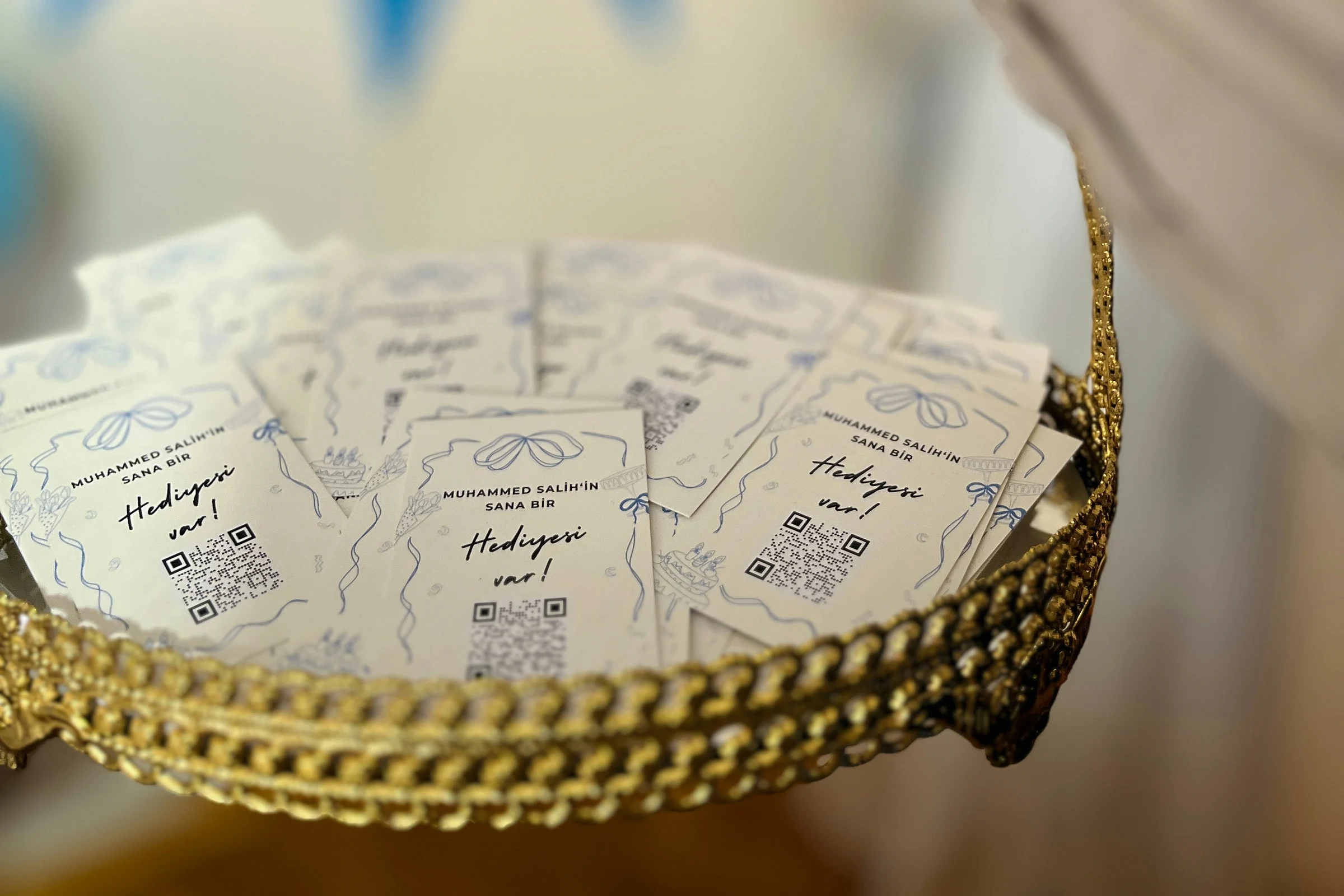
For a wedding photo QR sign, start with a plain request: “Share your photos from today. Scan to open our wedding gallery.” Put a short link underneath for anyone who can't scan the code.
The words around the code matter. Guests should be able to tell whether they're opening a menu, leaving a message or sharing a photo before they reach for their phone.
Four wording examples you can use
Swap the details in braces for your own. Before printing, check that the instructions match what guests will see when they open the link.
On a reception table
Caught a good moment?
We'd love a copy. Scan to open our wedding gallery and add your photos from today.
{Your short link}
By the welcome table
Share a photo from our day.
Scan to open our wedding gallery. Add yours now, or save the link for later while uploads are open.
{Your short link}
When the ceremony is unplugged
Phones away for the ceremony. Cameras welcome at the reception.
Taking photos at the reception? We'd love to see them. Scan here to add yours to our wedding gallery.
{Your short link}
Use this version only if it fits the plan you've agreed with your photographer and venue.
In a message after the wedding
Thank you for being there with us. If you took any photos you'd like to share, you can add them here: {gallery link}.
Uploads are open until {actual closing date}.
A printed card can work too
You don't have to make a large sign. In this wedding-planning discussion, a couple described putting a small card on their programs, with a QR code leading to a Google album. They reported receiving photos and videos the next day.
Put the photo-sharing request above your own code so guests know what it's for.
Try the guest steps before you print
Open the gallery on your phone as a guest. If there's an access code, a sign-in step or an upload button to find, your wording needs to account for it. Don't promise “no login” or invite videos unless you've checked your chosen setup.
Then test the printed version. Leave a blank border at least four small code squares wide on every side, following DENSO WAVE's margin guidance. Keep lettering and decorations outside that border. Ask someone to scan the actual card or sign and add a test photo without your help. Try a second phone as well.
Put it somewhere guests can stop
A guest-book table or reception table gives people a chance to read the request. Check placement with your planner or venue, away from busy walkways and your photographer's working space.
If reception is patchy, include the short link in your after-wedding message too. Guests can return to it while you’re still accepting photos. Our guide to collecting wedding guest photos covers the rest of the gallery setup.