For couples
Wedding photo-sharing preferences: what to tell guests and vendors
Set a clear wedding photo-sharing preference, then use these guest and vendor notes to explain when photos may be posted.
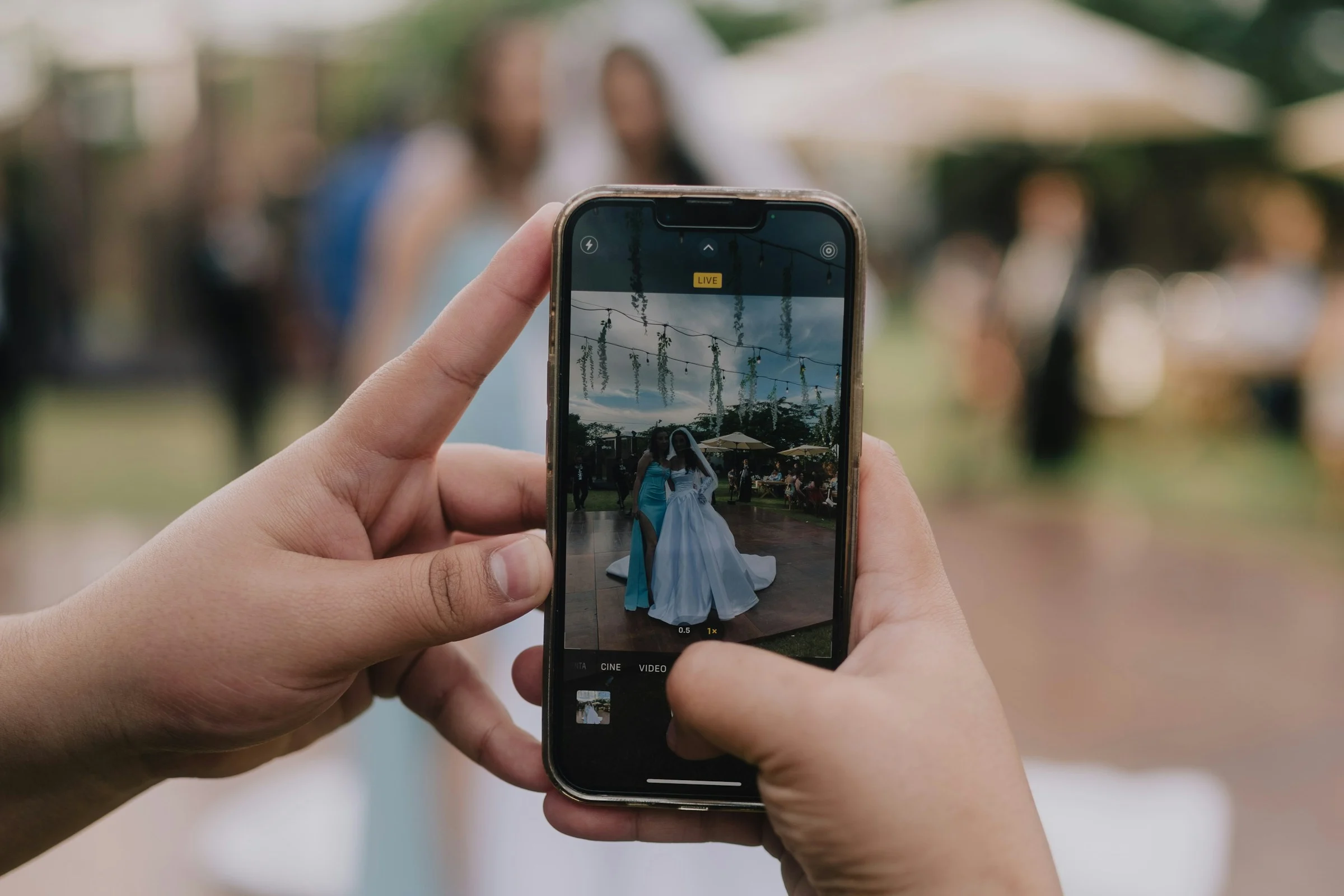
If you want guests to share photos with you but wait before posting them publicly, say both parts. Decide what can be photographed, what can go on social media, and when any hold ends. Give your photographer and other vendors the same preference before the wedding.
The distinction matters. Sending you a reception photo and posting it to a public account are different requests. In one wedding-planning discussion, a couple wanted guest photos in a shared album while keeping images of their faces off social media. That is one couple's question, not a rule for every wedding.
Write down the preference first
Choose an answer to each question before you write a sign or message:
“Wait until we post” works only if you plan to tell guests when that happens. If there is no end date, say that you would prefer no public posts and invite people to ask you before sharing. A request can guide guests; it cannot guarantee what someone else will do with a photo.
Send guests a short note
Use the version that matches your actual preference. Replace the bracketed details before sending it.
Put the note where guests will see it before the event, such as your wedding website or a direct message. A brief reminder on the day can help. The Knot's wedding social-media guide describes websites, invitations, signs and direct conversations as ways to communicate a no-posting request. If you use a QR sign to collect photos, keep its wording consistent with the note; our QR sign wording examples cover that separate task.
Tell vendors separately
Send your photographer, planner and any content creator a direct note before the event. State the people and moments covered, whether you want preview images shared with other vendors, and when you want any public portfolio or social post to happen. Ask them to confirm how the request fits their own agreement and workflow. A guest sign will not replace that conversation.
You can still collect guest photos in one place while making a separate request about public posting. Smara offers galleries shared by link or QR code with optional guest contributions. It does not control guests' social-media accounts or determine what vendors may publish. For the collection steps, see how to collect your guests' wedding photos.